
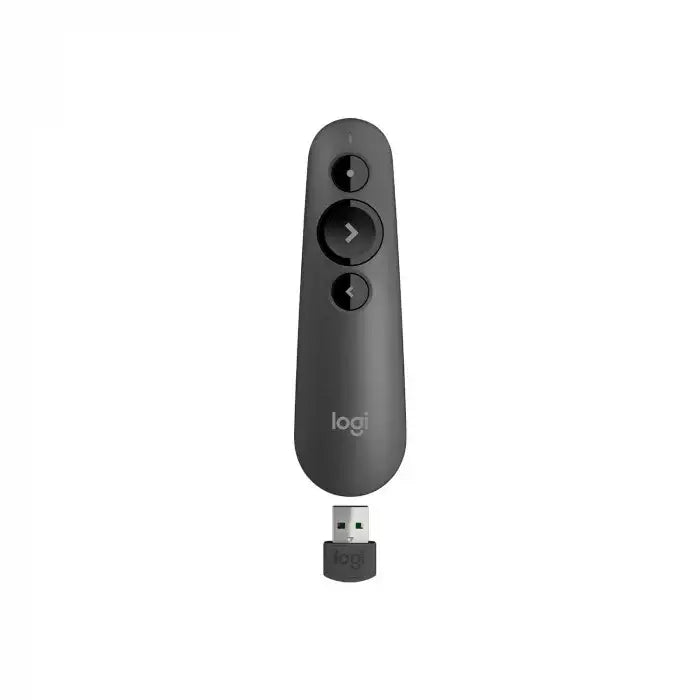
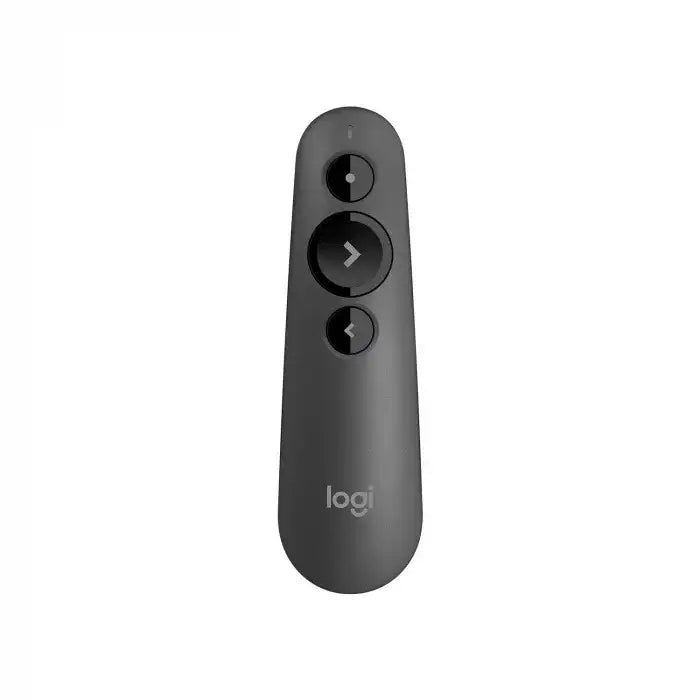
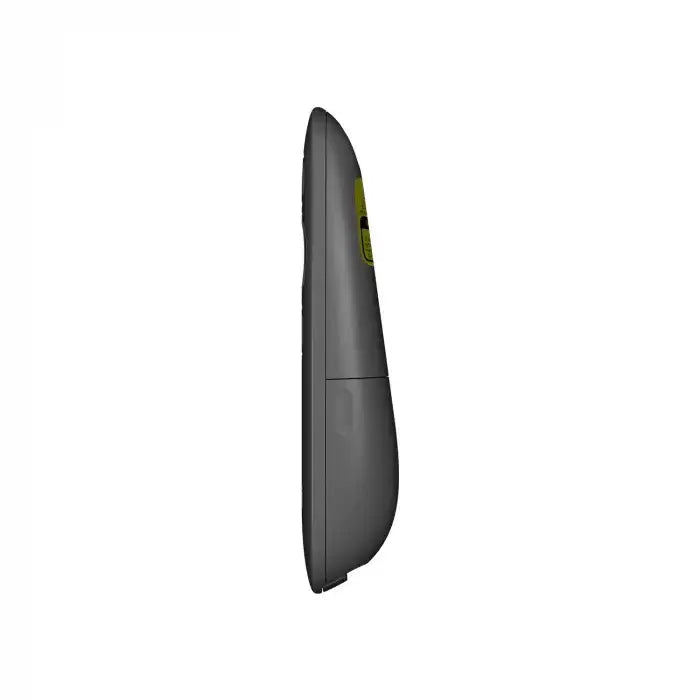
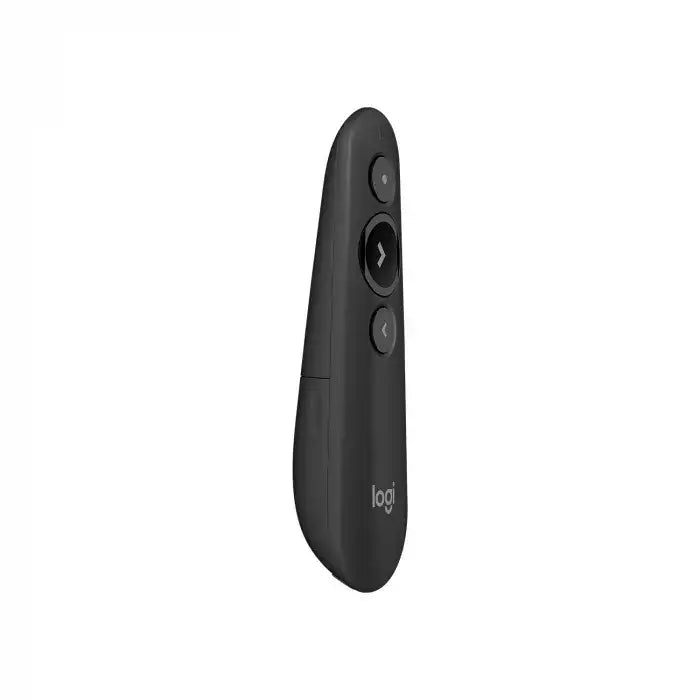
Logitech R500s Laser Presentation Remote - Graphite Black
Couldn't load pickup availability
- A few left in stock!
Description
Product Review: Logitech R500s Laser Presentation Remote (Graphite Black)
| Specification | Details |
|---|---|
| Model No | Logitech R500s Laser Presentation Remote |
| Part No | 910-005843 |
| Color | Graphite Black |
| Laser Class | Class 1 laser |
| Max Output | Less than 0.039 mW |
| Wave Length | 640-660 nm (red light) |
| Battery Life | 12 months + 1 extra week without laser pointer |
| Connectivity | Bluetooth Low Energy & 2.4GHz wireless |
| Operating Distance | 20 m |
| Special Features | Red laser pointer, Intuitive slide navigation, Logitech Presentation App, Secure grip design |
| Dimensions (Remote) | 123.6 mm (H) x 36.6 mm (W) x 24.7 mm (D) |
| Weight (Remote) | 48.4 g (including battery) |
| Package Contents | Remote, USB Dongle, AAA Battery, User Documentation |
| Warranty | 1 Year (As per Manufacturer Policy) |
Key Features & Performance
-
SIMPLY PRESENT: The R500s is hassle-free, letting you focus on delivering a smooth presentation.
-
RED LASER POINTER: Easily highlight key points with the bright laser pointer.
-
INTUITIVE SLIDE NAVIGATION: Three-button design ensures effortless slide control.
-
LOGITECH PRESENTATION APP: Customize buttons, monitor battery, and prevent sleep mode.
-
20-METER RANGE: Works reliably via Bluetooth or USB receiver.
-
ERGONOMIC GRIP: Soft rubber texture ensures a secure hold while presenting.
Pros & Cons
✔ Reliable connectivity (Bluetooth & USB)
✔ Long battery life (12+ months)
✔ Bright laser pointer for precise highlighting
✔ Comfortable grip for extended use
✖ No laser meter kuwait feature (only basic laser functionality)
✖ No advanced features like touchpad or gesture control
FAQ Section
How to use Logitech R400 laser presentation remote?
The Logitech R500s works similarly—plug in the USB receiver or pair via Bluetooth, then use the buttons to navigate slides and activate the laser pointer.
How do I get a laser pointer in PowerPoint?
Press the laser pointer button on the R500s, or enable it in PowerPoint’s "Slide Show" tab.
What is a presenter remote?
A presenter remote, like the Logitech laser pointer, helps control slides and highlight points during presentations.
How to set up Logitech presentation remote?
Insert the USB receiver, install the Logitech Presentation App (optional), and start using the laser pointer and navigation buttons.
Why is my Logitech clicker not working?
Check battery life, reconnect the USB receiver, or ensure Bluetooth is enabled if using wireless. The laser pointer kuwait may not work if the battery is low.
Does the Logitech R400 work with Google Slides?
Yes, the R500s supports Google Slides via USB or Bluetooth—just like a laser pointer and slide controller.
Verdict
The Logitech R500s is a reliable, easy-to-use presenter remote with a bright laser pointer, ideal for professionals in kuwait or anywhere else. While it lacks a laser meter kuwait function, its simplicity and long battery life make it a great choice for seamless presentations.
Made to endure
The majority of materials we use for our commercial production are the same which we use in equipment for the Finnish Defence Forces and other defence and security clients. Our most commonly used fabric in load carrying equipment is extremely wear resistant 1000D Cordura, as per FDF specs, with polyurethane coating on the inside. The webbing and edge tape we use are, again as per FDF specs, strong polyester webbing in various widths and thicknesses for different applications.
Our green and M05 camouflage materials and accessories are by default compliant with strict FDF specs for NIR reflection levels, as should be since these same materials are used in official military equipment.
Technical specs
- Exact dimensions
- Weight
- Compatibility (e.g., tech specs, supported devices)
- Certifications (e.g., organic, CE, ISO)
Why It Matters:
- Enables comparison and decision-making
- Crucial for high-involvement purchases
Utilize metafield (connect to dynamic source) to make the content dynamic.
Shipping & Returns
- Shipping methods and estimated delivery dates
- Shipping cost or free shipping info
- Return policy summary
- Country-specific shipping details
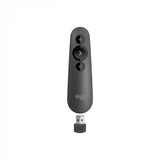
Logitech R500s Laser Presentation Remote - Graphite Black
